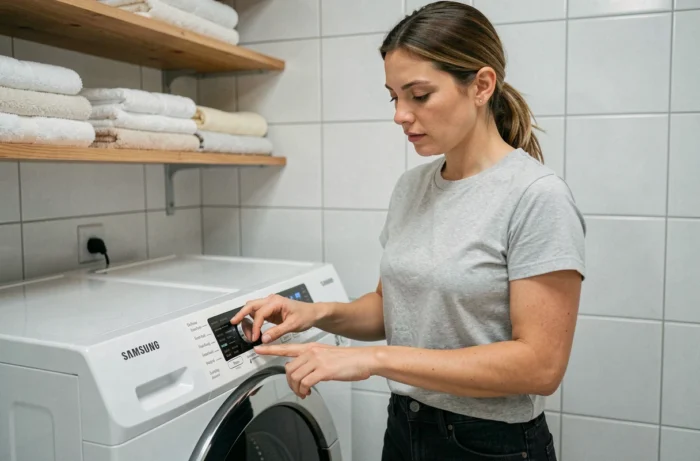
On a Samsung Eco Bubble 7kg washing machine, the reset procedure depends on what you are trying to fix. Cutting the power and restoring it does not have the same effect as calibrating the drum. Confusing the two operations wastes time, and in some cases, erases the history of error codes stored by the electronic board.
Exact reference of the Samsung Eco Bubble washing machine: the technical prerequisite
The Eco Bubble 7kg range includes several distinct references. The model WF70F5E0W4W does not have the same control board as a WF70F5E5W or a WF1702. Before any manipulation, locate the identification label stuck on the inner frame of the door or at the back of the chassis. The complete reference is listed there, followed by the country suffix (for example /EF for France).
This distinction matters because the key sequence to start a calibration varies from one board to another. On the WF70F5 models, Samsung documents a specific combination (the “Temp.” and “Delay End” buttons), which is absent from older models that do not have these dedicated buttons. Applying the wrong procedure to an incompatible model triggers nothing, or worse, starts a standard program that you might mistakenly interpret as a reset failure.
We recommend noting this reference before searching for any procedure online. It determines the applicable manual and the error codes recognized by your board.
Samsung Eco Bubble 7kg drum calibration: the true reset procedure
To reset the Samsung Eco Bubble 7kg washing machine, you need to distinguish between two operations that public guides consistently mix up: electrical restart and calibration.
Electrical restart (power reset)
Unplug the device from the power outlet or turn off the dedicated circuit breaker. Wait between one and five minutes before restoring power. This delay allows the capacitors on the board to discharge and the microcontroller to cold reset.
The power reset clears the current cycle and may eliminate a temporary error code. However, successive electrical resets may erase the error history, complicating diagnosis if the problem persists. Samsung explicitly discourages repeating this operation in a loop: if the same code reappears after the first restart, move on to troubleshooting the specific code or contact support.
Drum calibration (Cb mode)
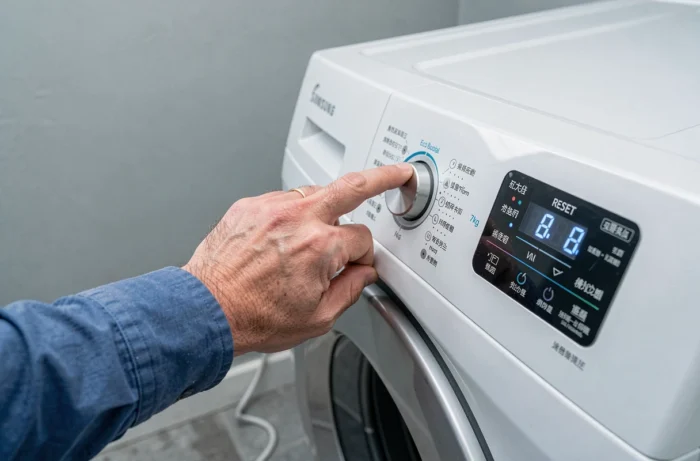
The calibration does not erase any errors. It reconfigures the weight detection of laundry by the motor sensor. On the WF70F5 models, the procedure documented by Samsung is as follows:
- Completely empty the drum, leaving no textiles inside
- Simultaneously hold down the “Temp.” and “Delay End” buttons for three seconds, until the “Cb” code appears on the screen
- Press “Start/Pause” to initiate the calibration cycle, which lasts a few minutes without water or spinning
The code “Cb” is not an error code. It confirms that the device has entered calibration mode. Interrupting this cycle midway requires restarting the procedure from the beginning.
Error codes after resetting the Samsung washing machine: diagnosis or draining
When an error code returns after an electrical restart, resetting is not the solution. The code points to a physical cause that the reset does not fix.
Codes related to draining (like 5E) often indicate a clogged pump filter or a bent drainage hose. In this case, cleaning the filter resolves the issue without any intervention on the electronics. Unplug the device, open the drainage hatch at the bottom right of the front, unscrew the filter cap while having a mop ready, and then remove foreign objects.
For codes related to water supply, check that the inlet tap is open and that the filter on the supply hose is not blocked by limescale. These mechanical checks are more effective than yet another power reset.
- Code related to draining: clean the pump filter and check the drainage hose
- Code related to water supply: inspect the tap and the inlet filter
- Persistent code after cleaning: note the exact code and contact Samsung support with the model reference
Common errors when resetting a Samsung Eco Bubble washing machine
The first error is confusing calibration with reset. Starting a calibration after an error code is pointless: calibration adjusts the weight of laundry, not the management of faults. Conversely, a power reset does not recalibrate the drum. The two procedures serve different needs.
The second error is cutting the power during an active cycle without waiting for the pump to stop. On some Eco Bubble 7kg models, the door remains locked as long as the detected water level is above the safety threshold. Forcing the opening by cutting the power locks the door safety for the next cycle.
The third trap: resetting to mask a code instead of resolving it. Every code erased without addressing the cause returns. And since repeated resets erase the history, the technician who intervenes later loses valuable diagnostic information.
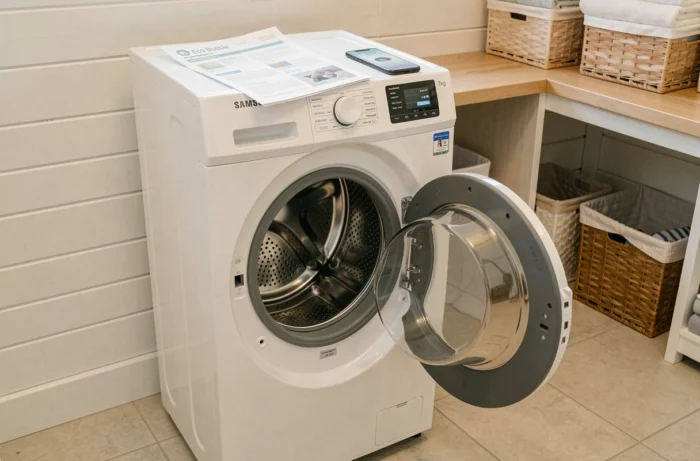
The reset procedure on a Samsung Eco Bubble 7kg boils down to two distinct actions: the power reset for a temporary software blockage, and the Cb calibration to recalibrate the drum’s weight measurement. Any other situation, particularly a recurring error code, calls for targeted mechanical diagnosis rather than an additional reset.